Enough is enough – the Government needs to deliver for the maternity workforce and end:
NO: below inflation pay: the 3.3% award for staff in England, Wales and Northern Ireland doesn’t even cover last year’s 3.6% inflation rate and we know the cost of living is going up fast this year.
NO: a pay system that doesn’t reward new starters or those taking on more responsibility. We need structural pay reform to Agenda for Change.
NO: working understaffed shifts with no breaks. Feeling valued is about more than pay – maternity staff need action on staffing so that services are not stretched too thin, meaning staff have no time to care, take rest breaks and time for training.
You deserve far better than another below-inflation pay award. For many, a 3.3% award will feel like a pay cut, not a pay rise. After years or relentless pressures and falling wages, it’s time the Government to deliver for midwives and MSWs. This means committing real funding to structural pay reform talks to deliver the pay improvement maternity staff deserve.
You deliver every day. It’s time the Government delivered too.
Digital assets
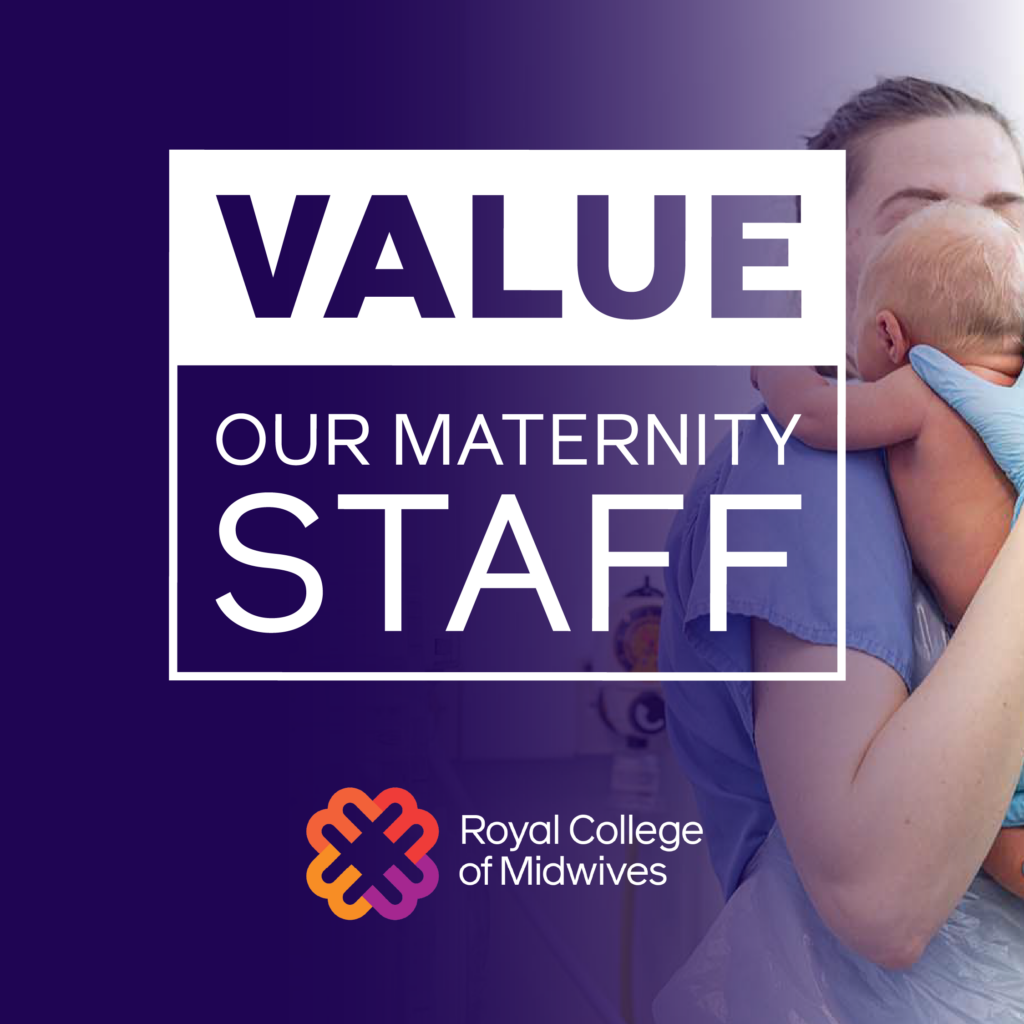
Please feel free to download any of the below backgrounds to use on Teams/ Zoom/ Google Meet when you’re having meetings.
Below, we have created some options for you to change your profile picture to help raise awareness for our pay campaign. For the middle twibbon/ profile frame there is some guidance below to help use it.
Some of these cookies are necessary to make the site work. We’d also like to use optional cookies to help improve your experience on the site. You can manage your optional cookie preferences below. Using this tool will set a cookie on your device to remember your preferences. Your preferences can be changed at any time.
For more detailed information about the cookies we use, see our Privacy Policy
Necessary Cookies
Necessary cookies enable core functionality. The website cannot function properly without these cookies, and can only be disabled by changing your browser preferences.
Analytical Cookies
Analytical cookies are used to collect and report information on how our website is used. This helps us to improve the website based on the needs and behaviour of our visitors.
Marketing Cookies
We use marketing cookies to help us improve the relevancy of advertising campaigns you receive.
This site uses cookies to store information on your computer
Royal College of Midwives uses cookies for website functionality purposes. For more information, please review our privacy notice or review the settings tab.